
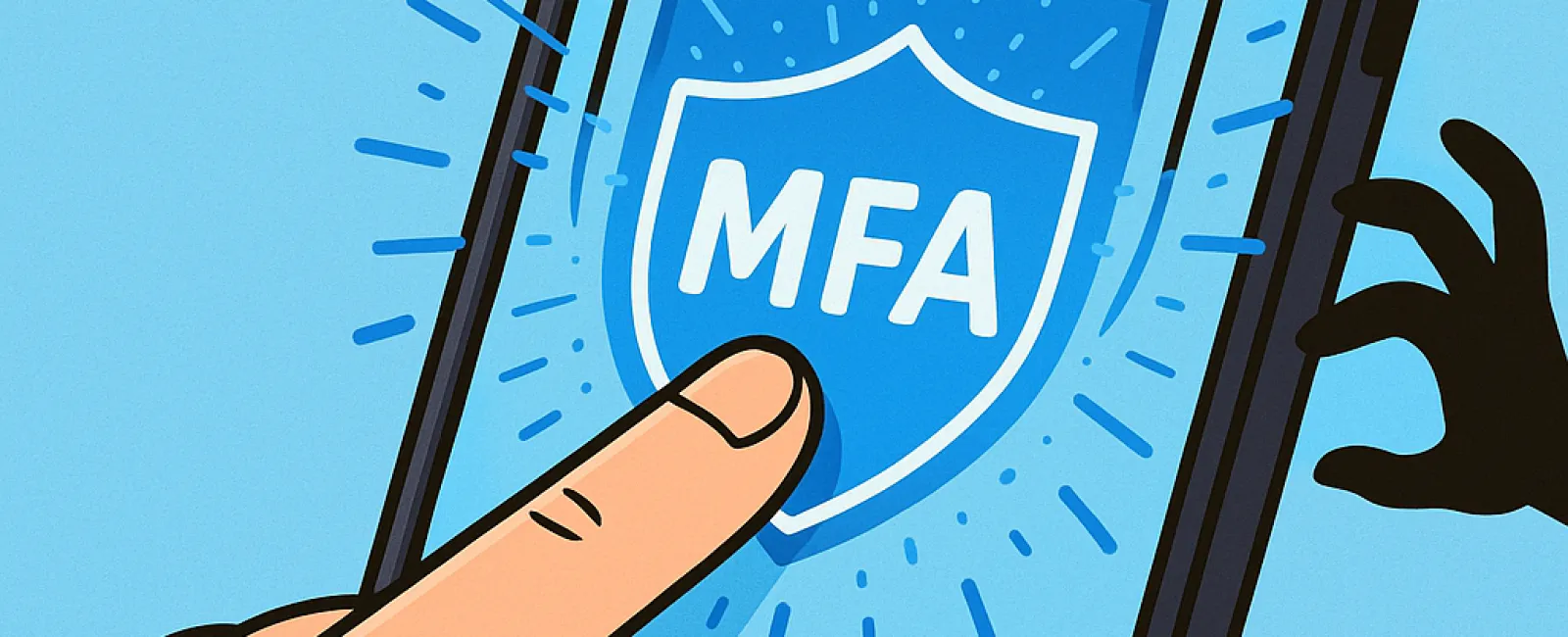
Just as you wouldn't drive without buckling your seatbelt or leave your office door unlocked overnight, you shouldn't access the internet without multifactor authentication (MFA). It's your digital safeguard against cyber threats.
MFA acts like an extra lock on your online accounts. Instead of relying solely on a password—which can be stolen or guessed—it requires an additional verification step such as a text message code, an authentication app prompt, or a fingerprint scan. This means even if a hacker steals your password, they won't get in without passing this second security check.
A Simple Step That Elevates Your Security
Your password is like locking your front door, but MFA is akin to setting an alarm system. While not mandatory, it provides peace of mind knowing that if one defense fails, another is ready to stop intruders.
MFA adds a quick extra verification step to prove it's really you signing in. Known by various names—"two-step verification," "two-factor authentication," or "one-time password"—all mean the same: combining two or more identity checks before granting access to sensitive information.
MFA comes in many forms including confirmation emails at account setup, bank security questions, text codes, push notifications, and phone calls. Most of these require just a tap or code entry, making them easy and fast.
Everyday Scenarios Where MFA Protects You
While enabling MFA is simple for you—just tap a button or enter a code—it creates a major roadblock for hackers. If someone unauthorized tries to access your account, MFA will alert you with a notification or request a code, giving you a crucial chance to secure your account before any data is compromised.
Even if a cybercriminal tricks an employee into sharing their password, MFA blocks access without the second verification step. In fact, Microsoft's research shows MFA decreases account breach risk by over 99.2%, and an astounding 99.99% when fully enabled.
Essential Platforms for MFA Activation
To maximize security, enable MFA on:
- Banking and financial services apps
- Email accounts and cloud storage
- Social media profiles
- Work logins involving client or proprietary data
Setup is straightforward—most major platforms include built-in MFA options. Choose the method that suits your workflow, like authenticator apps, to make logins safer and smoother for your team.
Simply put, MFA is a fast, cost-free way to stop most account breaches. Taking a few minutes now to activate it can shield you from extensive data loss and costly recovery efforts later on.
The easiest way to get MFA up and running is to contact your IT provider. A skilled managed service provider (MSP) will streamline the process. If you're seeking expert cybersecurity assistance, click here or call us at 323-410-7785 to schedule your 10-Minute Discovery Call with our team today.


