
Spring cleaning often starts with tidying closets, but for businesses, the real mess isn't just on shelves or racks.
It could be on a server rack, yes, but also tucked away in storage rooms, back offices, or stashed in a "deal with later" pile.
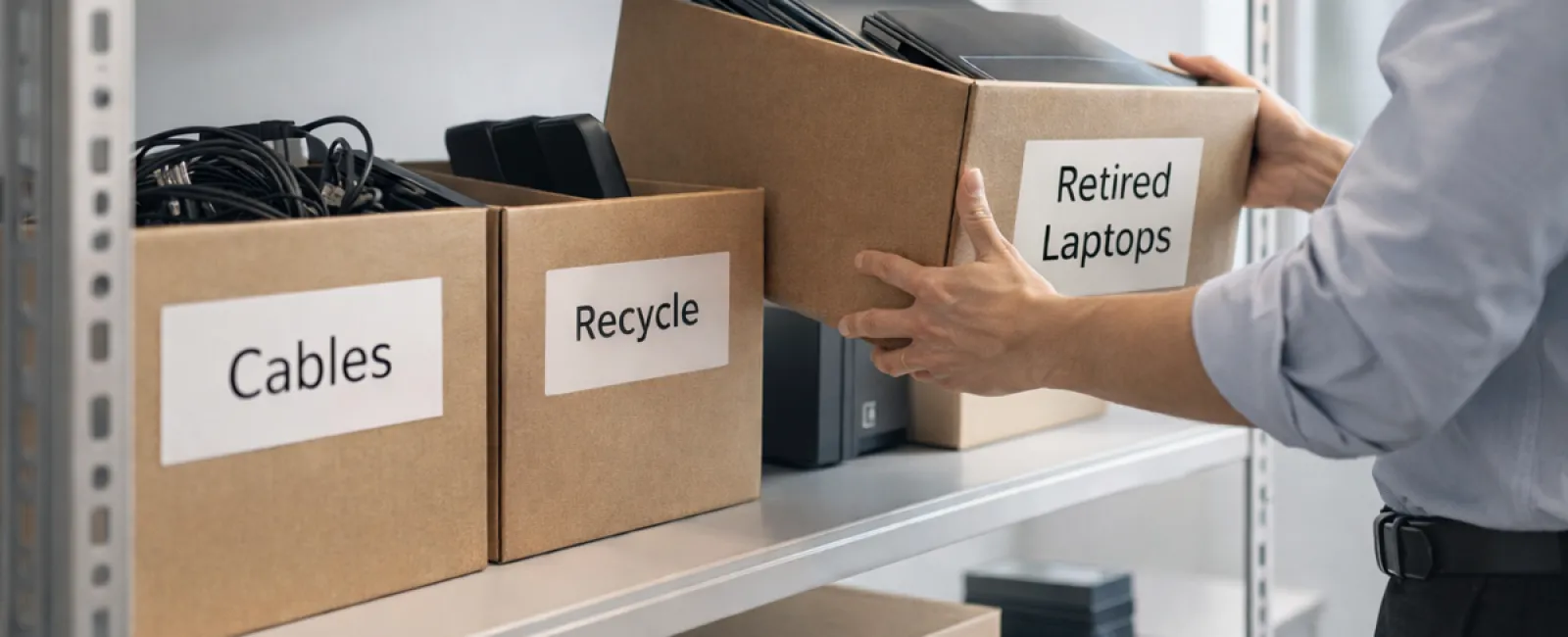
Outdated laptops. Retired printers. Backup drives from long-past upgrades. Boxes of cables kept "just in case."
Every company accumulates this kind of tech clutter over time.
The key question isn't whether you have it — it's whether you have a clear strategy for what comes next.
Technology Has a Lifecycle Beyond Purchase Dates
Buying new equipment usually happens for a reason: it's faster, more secure, more powerful, or it supports business growth.
While many businesses plan purchases carefully, few have a strategy for retiring outdated tech.
When equipment is retired, it often goes unnoticed. Devices are replaced and set aside, eventually becoming forgotten until someone clears space.
That's common.
What's rare is treating the retirement process with the same care as the purchase.
Old equipment still holds value—whether usable, recyclable, or containing sensitive data—and can drag down operations if left unmanaged.
Spring is the perfect moment to pause and ask: what's still valuable, and what's just taking up space?
A Clear Plan to Refresh Your Tech
Make this more than a vague "we should" talk by following our straightforward four-step plan.
Step 1: Take Inventory
Identify what you're retiring: laptops, phones, printers, network devices, external drives. You can't manage what you don't know—you might find more than expected during a quick audit.
Step 2: Decide Its Fate
Every device usually fits into one of three paths: reuse (internally or via donation), certified recycling, or destruction (for highly sensitive data). The focus is making deliberate choices instead of letting devices languish.
Step 3: Prepare Devices Securely
Discipline here is crucial.
If reusing or donating, remove devices from management systems, revoke access, and wipe data thoroughly—not just a factory reset. Simply deleting files doesn't erase them; it only hides their locations.
A study by Blancco found that 42% of resold drives on eBay still held sensitive info, despite sellers claiming proper wiping. Certified erasure tools overwrite data thoroughly and provide verification reports.
If recycling, always use certified e-waste vendors—not dumpsters or curbside recycling. Note: programs like Best Buy's recycling are for households only, not businesses.
For commercial gear, seek IT asset disposition providers with e-Stewards or R2 certifications (directories at e-stewards.org and sustainableelectronics.org). Your IT partner may help coordinate this.
For destruction, opt for certified data wiping or physical methods like shredding or degaussing, and keep detailed records: serial numbers, processes used, dates, and handlers.
This isn't paranoia—it's about responsibly closing the loop.
Step 4: Document & Finalize
Once devices leave your premises, track where they went, how they were processed, and confirm access removal. Documentation eliminates lingering uncertainties.
Often Overlooked Devices
Laptops often get attention, but other tech might be neglected.
Phones and tablets may still hold email logins, contacts, or authentication apps. Factory resets clear much, but certified mobile wipes provide the highest security. Major brands like Apple and Samsung offer trade-in credits even for older models.
Modern printers and copiers often include internal drives storing print, scan, copy, and fax data. When returning leased copiers, get written confirmation that these drives are securely wiped or removed prior to redeployment.
Batteries are classified as hazardous waste by the EPA. In several states (California, New York, Minnesota), businesses cannot legally throw rechargeable batteries in the trash. Remove batteries when possible, tape terminals to prevent shorts, and drop them off at certified locations. Call2Recycle.org offers location maps, and stores like Staples, Home Depot, and Lowe's accept rechargeable batteries.
External drives and retired servers often linger in closets longer than planned. They require the same thorough retirement process as other equipment.
Important Recycling Notes
Earth Day in April is a great reminder.
Electronics must not end up in landfills. Over 62 million metric tons of e-waste are produced yearly worldwide, but only about 22% is properly recycled. Batteries, monitors, and circuit boards belong in certified recycling streams. Many communities provide e-waste programs for this reason.
Properly retiring technology ensures operational efficiency, environmental responsibility, and strategic advantage. You don't have to choose between security and sustainability—you can achieve both.
Plus, it's a positive story to share on your company's social channels. Customers appreciate businesses who act responsibly without fanfare.
Unlocking Greater Potential
Spring cleaning isn't just about discarding old items—it's about creating opportunity.
Clearing outdated hardware is just one part. As you assess equipment, ask: Does our technology truly support the way we want to operate?
Hardware cycles through, but software, automation, and system design drive real productivity and profit.
Retiring tech carefully is good housekeeping; aligning your overall technology ensures you keep moving forward.
How We Support You
If you already have a smooth equipment retirement process, that's fantastic—that's how it should be: simple and routine.
While replacing hardware properly, it's also a great opportunity to evaluate your tech ecosystem. Are your systems efficient? Do your tools integrate well? Is your technology fueling growth or just maintaining status quo?
If you want to step back and explore how your technology stack enhances productivity and profitability, we're happy to talk.
No equipment checklists. No pressure. Just a useful conversation about getting more from your tech.
Click here or give us a call at 323-410-7785 to schedule your free 10-Minute Discovery Call.
If this inspired you, share it with another business owner.
Don't limit spring cleaning to closets—include the systems that keep your business thriving.


